For humans
Three steps in the portal.
- 1Sign up free. No credit card.
- 2Add your logo and, if you want, your own domain.
- 3Create a code, publish it, print it.
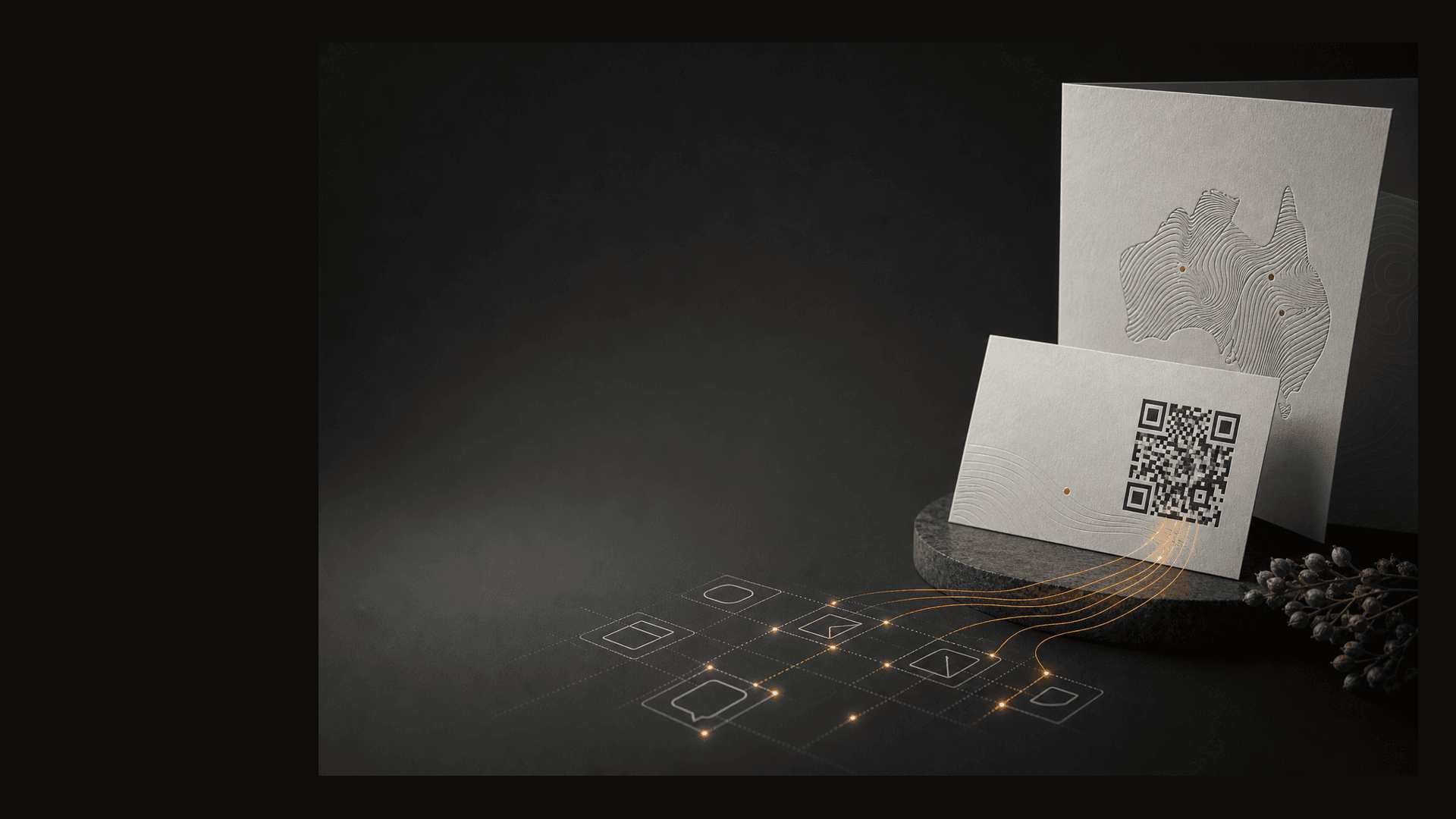
Built in Sydney
Print a QR code once, then change where it points whenever you need to. Use your own domain, add your logo and colours, see scan numbers by city, and let your assistant handle the QR admin.
Works for people and assistants
Scannable works the same whether your team is clicking around the portal or your assistant is doing it for you. No CSV uploads, no “ticket the marketing team”.
Ask in plain English. The assistant creates the code, applies your logo, and hands back the link.
Need forty codes for a store launch? One prompt creates them in the same catalogue the portal uses.
Each assistant gets a tenant key, so it only sees your codes.
Try saying
ConnectedCreate a QR for our winter menu on qr.restaurant.com.au/menu pointing at the new PDF.
List our ten most recent QR codes.
Fetch the PNG for code spring-poster so I can drop it into the artwork.
Works with Claude, ChatGPT, and any assistant that speaks MCP. Connect it once, then ask for codes in plain English. Updating destinations and scan reports are still easiest in the portal.
Your domain, not ours
Most platforms charge $99 or $250 a month before they let you put codes on your own domain. We do it on the $19 plan.
The link people see
qr.yourbrand.com.au/spring
Same fast scan, same edit-anytime destination, on a URL your customers recognise.
qr.yourbrand.com.au looks like you. A bit.ly link doesn’t, and people are wary of scanning ones they don’t recognise.
People are less wary of a URL on your own domain than a random short link — especially on packaging and posters you’ve already paid to print.
Because the codes live on your domain, the QR you printed last quarter still works next year, even if you stop paying us.
Preview cards
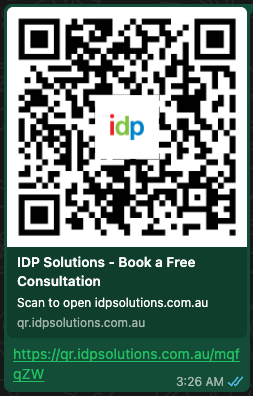
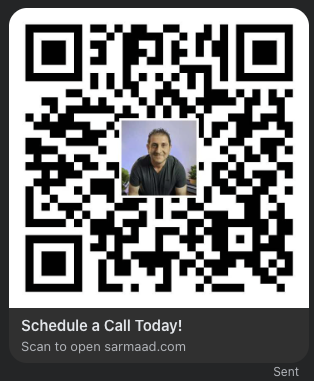
When someone shares a Scannable link on WhatsApp, iMessage, Facebook, Slack, or LinkedIn, they see the title, image, and description you chose.
See branded link previews →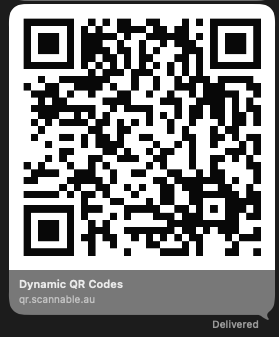
See what works
Scans are counted by code, city, and day. No personal data, no cookie banner.
See QR code analytics for print →Last 7 days · acmecoffee
1,752 scans
| Code | Country | City | Scans |
|---|---|---|---|
| spring | Australia | Sydney | 841 |
| menu | Australia | Melbourne | 529 |
| packaging | New Zealand | Auckland | 214 |
| card | Australia | Brisbane | 168 |
Questions you can answer
Bots and link-preview crawlers don’t count. Only real scans do.
How it works
Your team can work in the portal. Your assistant can do the same work from chat. Either way, the codes and scan numbers live in one place.
For humans
For agents
Pricing
No demo calls, no card to start. The QR you print today still scans next year, even if you cancel.
Starter
Most popular$19
Per month, GST inclusive
When you want a real domain and the full picture.
Free
$0
Forever, no card
Perfect for a business card or a single campaign code.
Need help on a live client QR job? Get setup help.
FAQ
In Australia. Scans, codes, and images are hosted in Sydney, served from a fast Australian edge. We don't store personal information about the people scanning your codes.
They keep working. Codes scan on your own domain, so the poster you printed last year keeps doing its job whether you stay with us or not. We never hold your domain hostage.
No. Sign up, pick a logo, paste a destination URL, and you have a printable QR in under a minute. If you want your own domain, we walk you through the one-line DNS change. Your IT person (or your hosting provider's chat) will get it done in five minutes.
Yes. Connect Scannable to Claude, ChatGPT, or another MCP-aware assistant with a tenant key. It can create, list, and update the codes in your account.
Always. Update the destination any time and the next scan goes to the new URL. The printed code never changes.
Yes. Prices are GST inclusive. We send a tax invoice automatically.