Scannable
Start free
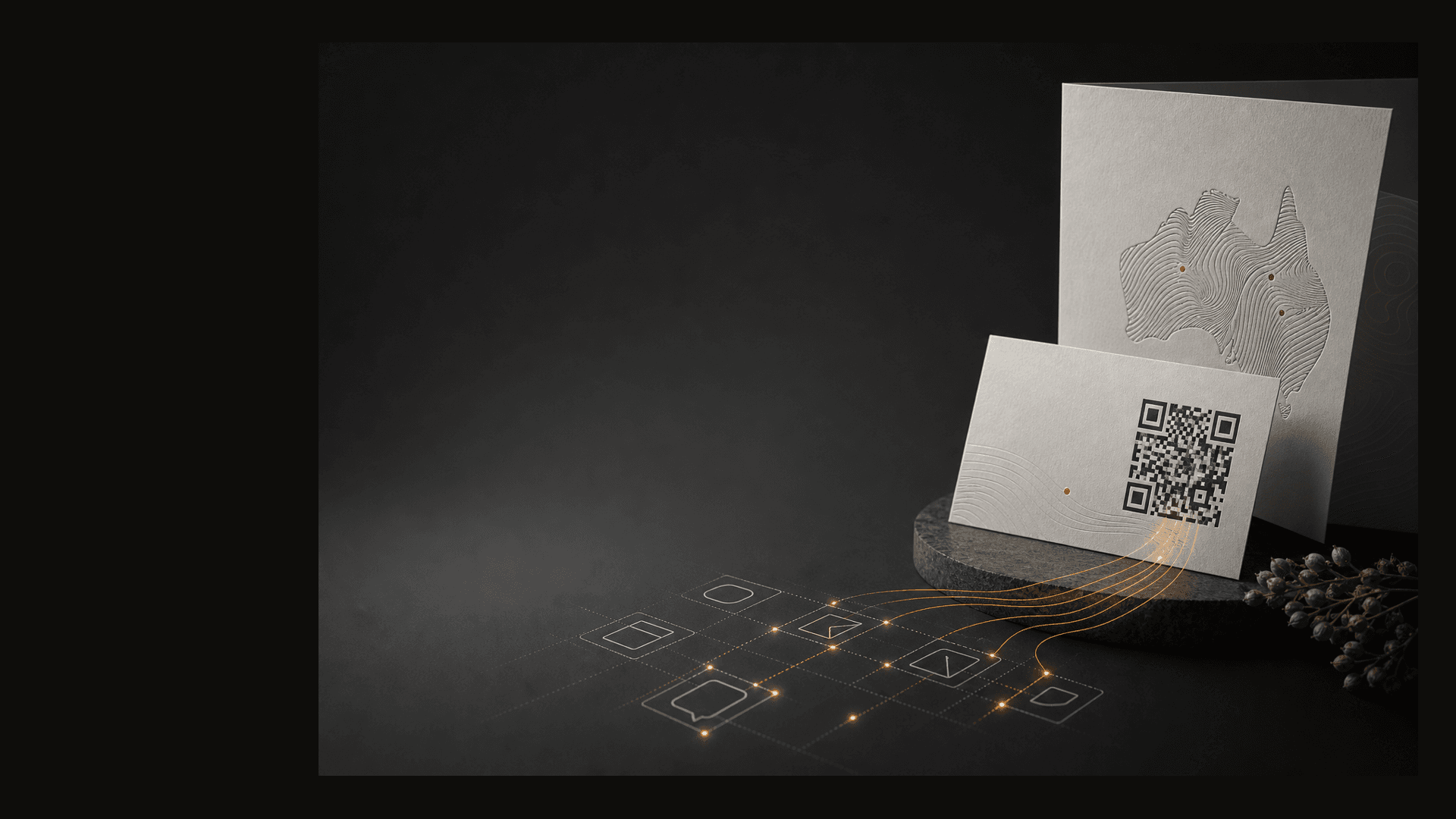
Developer workspace with terminal and branded QR samples

Developers

Create and manage QR codes from your app, script, or agent.

Scannable’s MCP server is live today. Connect Claude, ChatGPT, or your own MCP client with a tenant key—same data as the portal.

  • Bearer auth
  • Streamable HTTP MCP
  • Tenant isolation

MCP access requires the Starter plan. Keys are created under Settings → MCP keys in the portal.

MCP server

Model Context Protocol endpoint

URLhttps://mcp.scannable.au/mcp
AuthAuthorization: Bearer scm_…
PlanStarter (mcp_access)
Healthhttps://mcp.scannable.au/healthz
  1. Upgrade to Starter if needed.
  2. Settings → MCP keys → create key → copy the scm_… secret once.
  3. Paste the JSON config from the portal (or below) into Claude Desktop, Cursor, or another MCP client.
  4. Call tools (create_qr, get_qr, list_qrs, get_qr_image, …).

Model Context Protocol quickstart

Config example

Claude Desktop JSON.

Replace the bearer token with the key shown once in the portal. Do not commit keys to git.

{
  "mcpServers": {
    "scannable": {
      "url": "https://mcp.scannable.au/mcp",
      "headers": {
        "Authorization": "Bearer scm_YOUR_KEY"
      }
    }
  }
}

Cursor

Project or user MCP config.

Add the same server block to .cursor/mcp.json in your project, or Cursor Settings → MCP. The portal copies this shape when you create a key.

{
  "mcpServers": {
    "scannable": {
      "url": "https://mcp.scannable.au/mcp",
      "headers": {
        "Authorization": "Bearer scm_YOUR_KEY"
      }
    }
  }
}

Tools

Tools available now.

create_qr

Create a dynamic QR code for your tenant. Use target_url (legacy URL) or destination_kind + payload. PNG renders asynchronously; set wait_for_image to poll up to 3 seconds.

title?, target_url?, destination_kind?, payload?, code?, status?, logo?, wait_for_image?

get_qr

Fetch one code by short slug (code). Returns target_url, status, image_url, and short_url when found.

code

list_qrs

List recent codes for the tenant (newest first).

limit? (default 20, max 100)

get_qr_image

Return image_url for a code; set wait to poll up to 3 seconds if rendering is still in progress.

code, wait?

get_qr_image_base64

Return rendered PNGs inline when the client cannot fetch CDN image URLs (e.g. some desktop assistants).

codes[] (max 10), wait?

list_files

List tenant_files (logos, icons, …). Pass file_id as logo on create_qr.

category?, limit?, search?

Example

create_qr with a URL destination.

{
  "name": "create_qr",
  "arguments": {
    "title": "Winter menu",
    "target_url": "https://example.com/menu.pdf",
    "code": "winter-menu",
    "wait_for_image": true
  }
}

Destination kinds

Registry-backed payloads for create_qr.

WiFi static and geo static codes are portal-only today—not creatable via MCP.

KindSummaryPayload shape
urlPlain HTTPS redirectstring — full https:// destination URL
vcardDownloadable contact card{ "fullName", "organization"?, "jobTitle"?, "phone"?, "email"?, "website"?, "note"? }
geoMaps redirect with scan analytics{ "latitude", "longitude", "label"? }
landing_pageHosted campaign page{ "headline", "body"?, "ctaLabel"?, "ctaUrl"? } — ctaUrl must be https://
eventCalendar .ics download{ "title", "startsAt", "endsAt", "timezone"?, "location"?, "description"?, "url"? }
callTap-to-call intermediate page{ "phone" }
emailPre-filled email composer page{ "email", "subject"?, "body"? }
smsPre-filled SMS composer page{ "phone", "message"? }

Authentication

Authentication and isolation

  • Keys are per-tenant; hashed with server pepper; prefix shown in the UI (key_prefix).

  • last_used_at updates on each request.

  • Revocation is immediate—delete the key in the portal.

  • Plan enforcement returns a clear upgrade message when mcp_access is not enabled.

Rendering

PNG output uses the same pipeline as the portal.

Creating a code triggers the Directus → qr-renderer flow. Use wait_for_image on create_qr, get_qr_image with wait, or get_qr_image_base64 when the assistant needs inline PNGs.

Integrations

Signed scan webhooks (Beta)

Starter tenants can register HTTPS endpoints in the portal and receive signed scan.completed JSON when a real user scan finishes. Verify requests with the whsec_… signing secret shown once at create time.

  • Portal Settings → Webhooks — create endpoint, test ping, view recent deliveries (Starter, webhook_access).

  • Headers: X-Scannable-Event-Id, X-Scannable-Event-Type, X-Scannable-Signature (HMAC-SHA256, Stripe-compatible t= / v1= format).

  • Zapier / Make: use generic webhook catch hooks — webhook playbook (Catch Hook → verify HMAC → action). Portal cards link here.

Roadmap

REST API — planned

A conventional HTTPS JSON API for create/read/update QR codes and scan exports is on the roadmap. Until it ships, use MCP for automation or the portal for manual work.

Not yet available

  • REST CRUD for qr_codes

  • @scannable/qr-cli tenant automation (internal render CLI exists; not a hosted product)

Next step

Get your MCP key on Starter.

Non-technical teams can start on the AI QR generator page. Developers can go straight to MCP keys in the portal.