Booking link
Calendly, Acuity, or your client's scheduling page. If they change tools later, swap the URL instead of printing new cards.
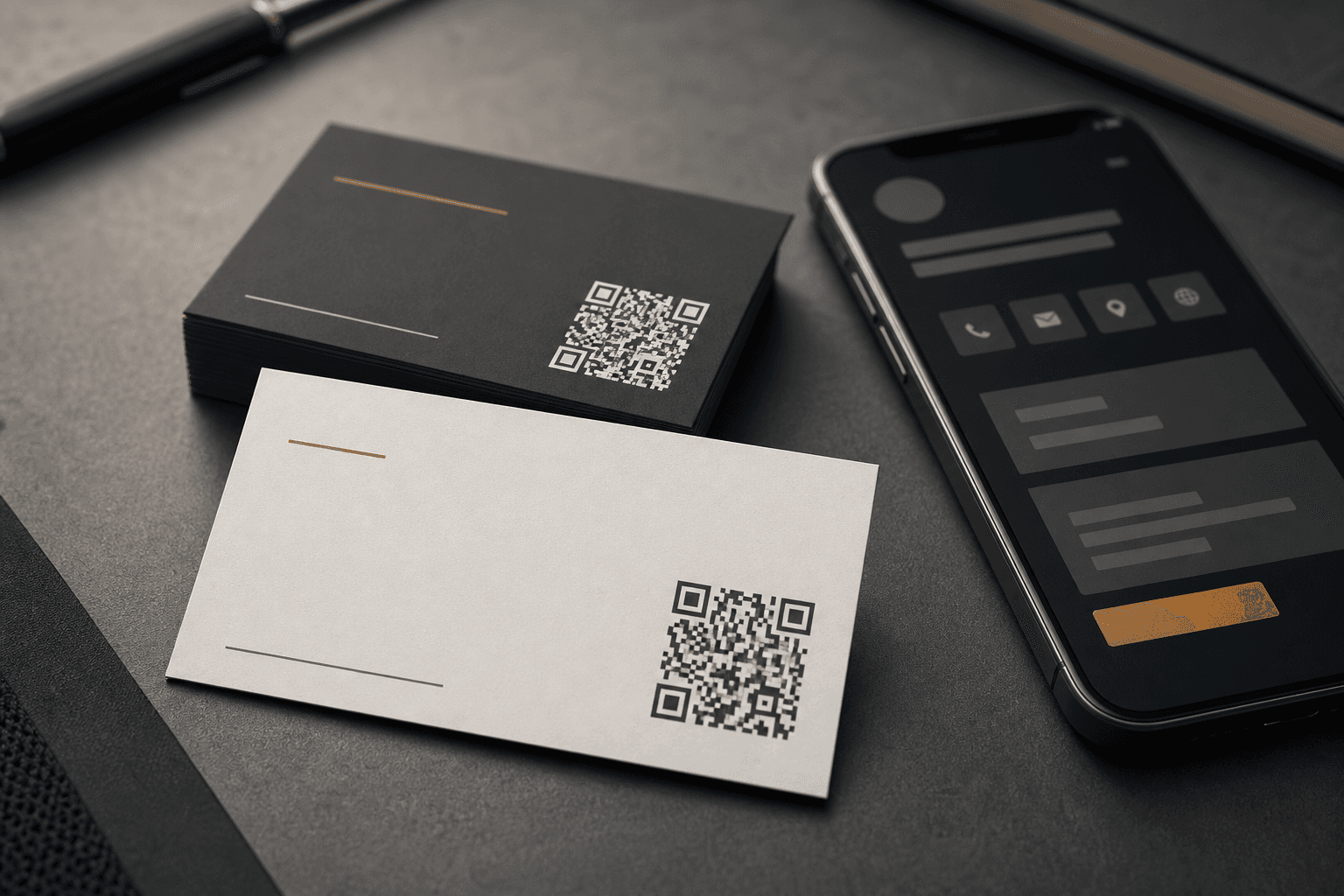
Business cards
One QR code for business cards, on a link that looks like the business. Built for business card work where booking pages, portfolios, and contact details change faster than print cycles.
Business cards with QR code design work best when the code points through a URL the recipient trusts. Scannable gives you QR support for cards: changeable links, useful preview cards, and scan counts after the cards go out.
Destinations
Qr code business card ideas start with a clear next step for the person who scanned. Pick one primary destination and change it when the client's priorities shift.
Calendly, Acuity, or your client's scheduling page. If they change tools later, swap the URL instead of printing new cards.
One branded link for the company site, contact form, or vCard page.
Point to the profile that matters now. Update when roles or handles change.
Show recent work after the cards are already in wallets and on desks.
Change it after print
Roles change. Booking tools change. The portfolio URL you wanted on the card in March is not the one you want in September.
An editable QR code keeps the same square in the artwork. Update the destination in Scannable and every card already handed out still works.
Qr code for business cards on the client's own domain.
Good preview cards when someone shares the link in iMessage or WhatsApp.
Scan reporting to see if the card is getting used.
No reprint when the landing page changes.
Design and print
Good qr codes for business cards tips come down to print specs and a live link your client can trust.
Leave enough quiet zone around the code. On a standard card, 18–22 mm square is a practical minimum for reliable scans.
Dark code on a light background scans best. Test on the actual stock and finish before the print run.
Export a print-ready PNG with the client logo and colours from Scannable, then place it in InDesign, Illustrator, or Canva.
Scan it from normal phone distance on the screen proof and on a printed sample. Check the URL before the job leaves the shop.
For designers and printers
Designers create the card. Print shops run the job. Scannable runs the link behind the code.
Add QR setup to identity and stationery packages. Hand off portal access so clients can edit their own booking link.
Designer use case →Quote QR setup with every business card run: scan URL, export file, and a scan report after pickup.
Printer use case →Get started
Start free for a single card. Upgrade when the client wants their own domain and full analytics.
Running a wider print campaign? QR codes for flyers and posters.