QR setup
Create a code before the job goes to press. The square in the artwork stays the same when the customer changes the landing page later.
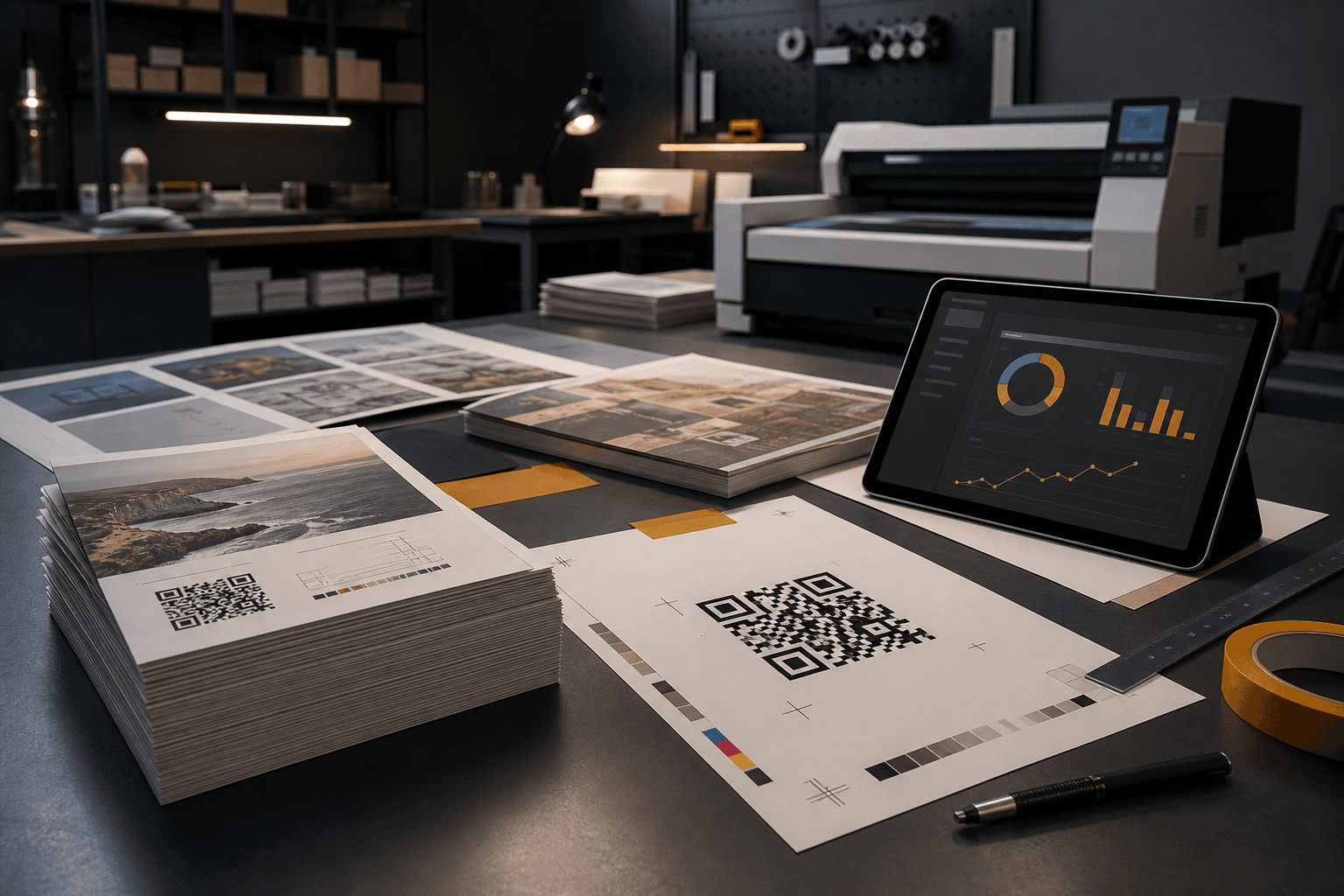
For printers and print shops
Scannable turns QR codes into a recurring service for print jobs: qr codes for printers and print shops that need branded URLs, dynamic destinations after print, and qr code analytics for print campaigns.
Your customer already trusts you with the print. Add the QR link behind it too: a qr code service for print shops that covers setup, changeable destinations, scan URLs, and simple scan reporting for qr codes on printed materials.
What you can sell
Position Scannable as the live link layer behind business cards, flyers, posters, brochures, stickers, and packaging your shop already produces.
Create a code before the job goes to press. The square in the artwork stays the same when the customer changes the landing page later.
Links like qr.clientbrand.com.au/menu read as part of the brand, not a generic shortener your customer would rather hide.
Update where the code points when the promo ends, the event date moves, or the product page changes. No reprint for a URL swap.
Per-code counts by city and country so your customer can see which flyer, poster, or pack is actually getting scanned.
Name codes for each piece: winter flyer, open-home sign, expo booth. Send a simple scan report when the job wraps.
Packages
Quote these as fixed setup fees alongside design and print. Each package links to a focused use-case page you can send customers.
One QR code on the card. The booking link, portfolio, or contact page can change without a second print run.
View use case →Track scans from print marketing. Swap the destination when the offer or event changes.
View use case →Product info, registration, reorder, and care instructions on labels and boxes, with links the brand can change later.
View use case →Counter stickers, appointment cards, and window decals with a link your customer controls.
View use case →Editable vs static
A static QR bakes the destination into the pixels. When the client landing page, event date, or promo changes, the printed piece is wrong until someone pays for a reprint.
Editable QR codes for print marketing keep the same square in the artwork. You or your customer update where it points in Scannable. The flyer on the noticeboard, the cards in wallets, and the labels on shelf still scan to the right place.
Print once. Change the URL when the campaign moves.
Qr code tracking for print campaigns without guessing foot traffic.
Links on the customer's domain feel safer at scan time.
Australian-built platform with AU hosting for local print shops.
Branded domains
The visible URL matters on printed materials. A client-domain link looks like part of the job, not a random shortener.
Example scan link
qr.clientbrand.com.au/winter-flyer
Workflow
You stay the print partner. Scannable runs the live link, preview card, and scan reporting behind the code.
Your customer already trusts you with the artwork. Add QR setup, the scan URL, and reporting as a line item.
Create the codes in Scannable, export print-ready PNGs, and drop them into the customer's files.
The customer edits destinations and watches scans without calling you for every link change.
Get started
Start with a single job to test setup and reporting. Move to Starter when customers want their own domain, full analytics, and preview cards on every code.
Working with a design studio on the artwork? See how designers use Scannable.