Create a key
In the portal, open Settings → MCP keys (Starter plan). Copy the scm_… secret once.
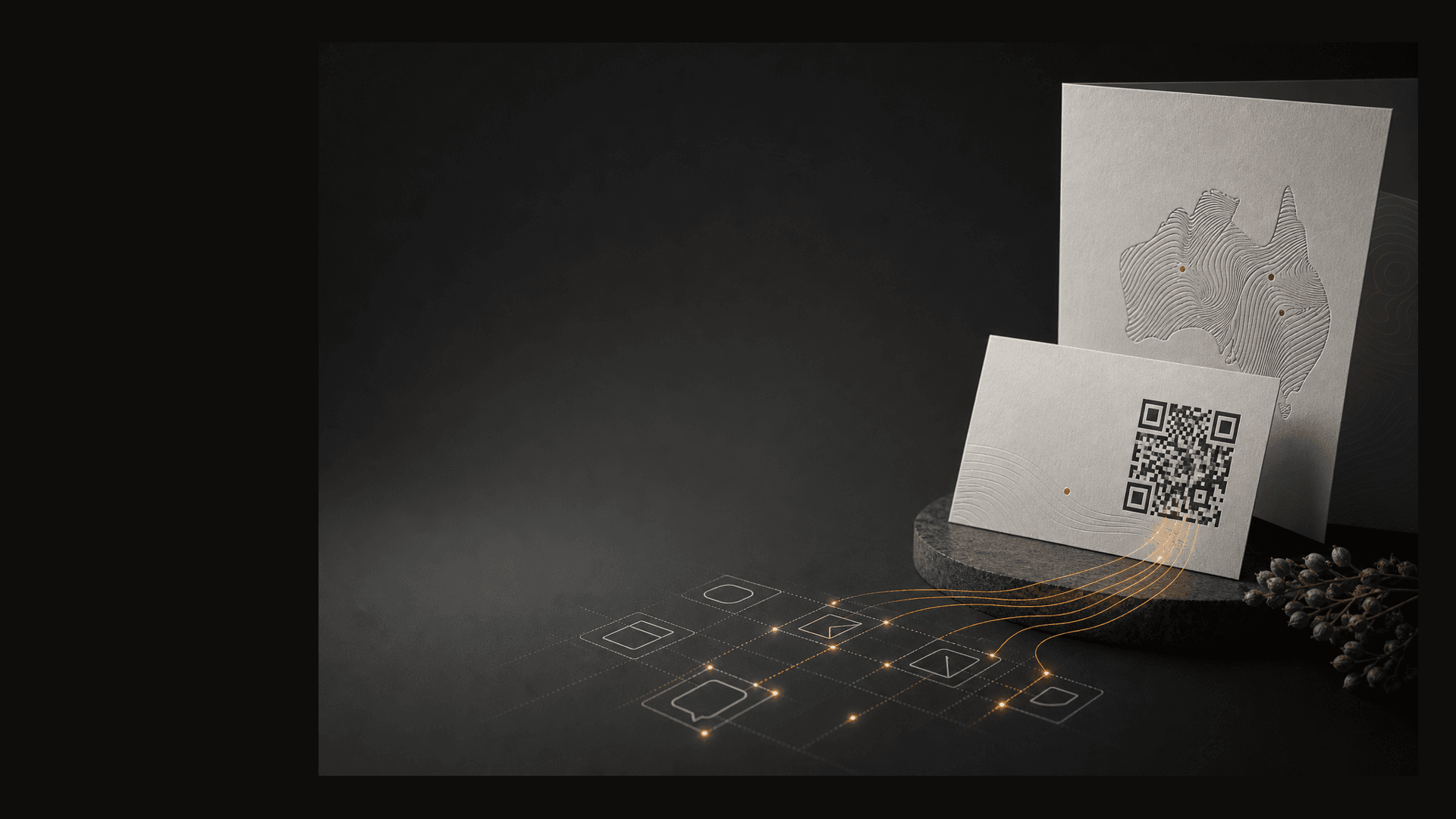
AI QR code generator
Scannable connects to MCP-aware assistants so you can create branded QR codes in plain English—the same codes your team manages in the portal.
Works with Claude, ChatGPT, and other assistants that support the Model Context Protocol.
Try saying
Create a QR for our winter menu on qr.restaurant.com.au/menu pointing at the new PDF.
List our ten most recent QR codes.
Fetch the PNG for code spring-poster so I can drop it into the artwork.
Updating destinations and scan reports are still easiest in the portal—we are extending MCP tools over time.
How it works
In the portal, open Settings → MCP keys (Starter plan). Copy the scm_… secret once.
Point your MCP client at https://mcp.scannable.au/mcp with Authorization: Bearer <key>.
Tools write to the same qr_codes catalogue as the portal; PNGs render through the normal pipeline.
Each key is scoped to one tenant. Assistants cannot read another customer’s codes.
MCP tools
create_qr
Create a code with a URL or registry destination (url, vcard, geo, landing_page, event, call, email, sms).
get_qr
Look up one code by slug.
list_qrs
List recent codes for the tenant.
get_qr_image
Return image_url for a code; poll with wait if rendering is still in progress.
get_qr_image_base64
Return rendered PNGs inline when the assistant cannot fetch CDN URLs.
list_files
Find tenant logos and assets to attach when creating a code.
One catalogue
Marketing creates a code in the portal; engineering lists it via MCP. Custom domains, link previews, and scan analytics apply no matter how the code was created.
Branded scan URLs on your domain (Starter).
Branded link previews for Slack and iMessage.
Scan analytics by code, city, country, and day.
Security
Keys hash at rest; raw secret shown once at creation.
Revoke keys in Settings → MCP keys.
MCP uses the same plan gate as billing (mcp_access on Starter).
Get started
Create MCP keys in the portal, then ask for QR codes in plain English.