URL on the client domain
Links like qr.clientbrand.com.au/campaign instead of a generic shortener your client would rather hide.
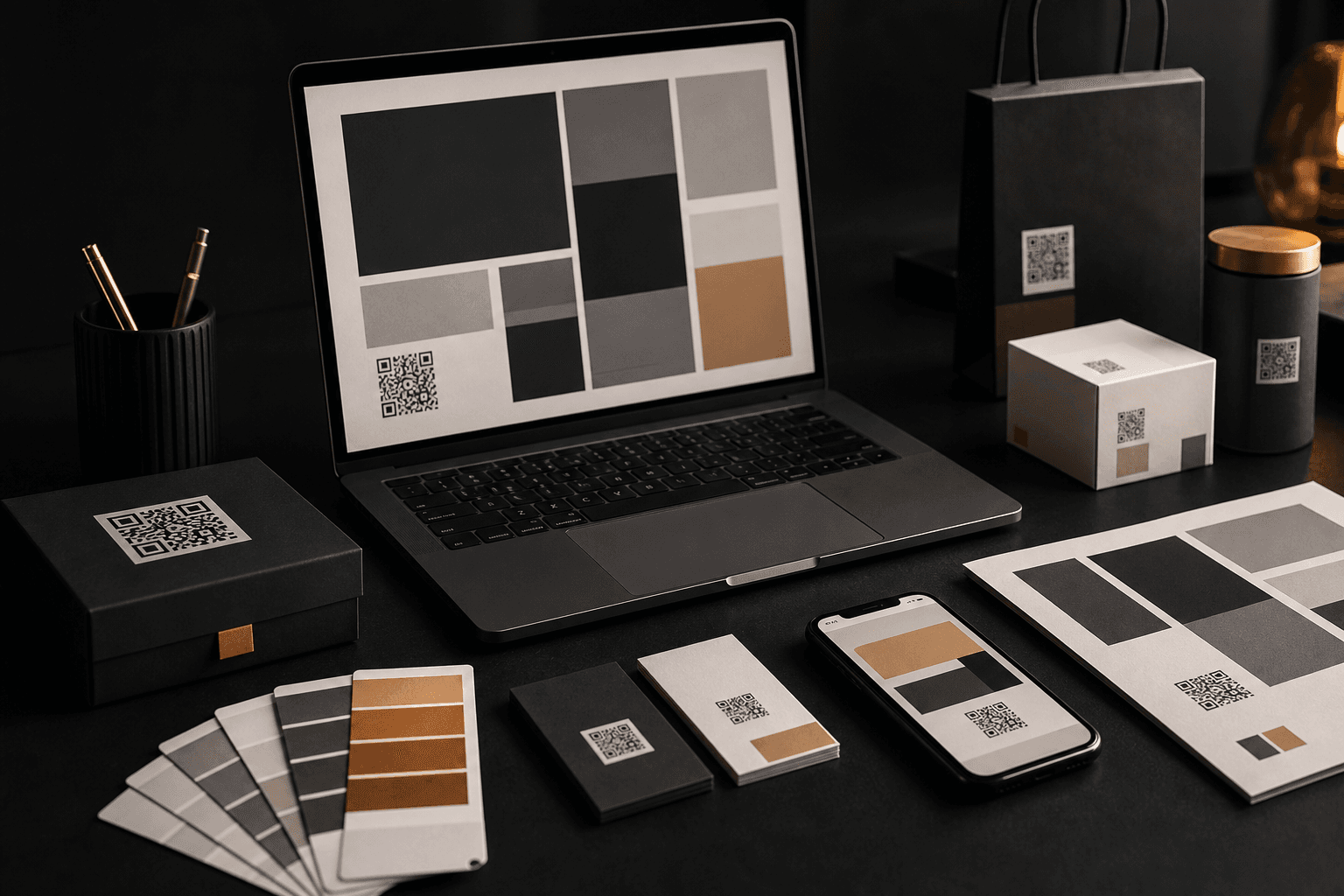
For designers and agencies
You design the asset. Scannable powers the code behind it: client-domain URLs, changeable destinations, and scan counts for print and campaign work.
Scannable is the live QR backend behind identity systems, business cards, packaging, flyers, event posters, window decals, signage, and campaign work. You stay in the design tools; your client gets a link on their own domain.
Use cases
From one business card to a retail rollout, the workflow is the same: design the piece, drop in the QR code, and hand off a link the client can change later.
Hand off a card with a QR that still points to the right booking page or portfolio after the client changes their mind.
View use case →Add a code to boxes, labels, and sleeves. Change the product page or promo later without reprinting the run.
View use case →Event posters, retail flyers, and campaign one-sheets stay useful when the landing page moves.
View use case →Storefront decals, wayfinding, and outdoor boards keep scanning even when hours, menus, or offers change.
View use case →See which creative got scanned. Swap the destination when the ticket link, RSVP, or offer changes.
View use case →Studio sites, pitch decks, and welcome packs get a link that looks like the rest of the identity.
View use case →Deliverables
Everything you need to sell QR as part of the brand package, not an afterthought in the corner of the artwork.
Links like qr.clientbrand.com.au/campaign instead of a generic shortener your client would rather hide.
Change where the code points after the PDF went to print. The artwork stays; the live link updates.
Export a print-ready QR with the client logo and colours, ready to drop into InDesign, Illustrator, or Canva.
When someone shares the QR link in WhatsApp, iMessage, or Slack, the preview card still looks like the client.
Per-code counts by city and country so you can show which printed asset is actually getting scanned.
The link people see
qr.clientbrand.com.au/campaign
Workflow
Three steps from approved artwork to a code your client can run without calling you for every URL change.
You design the business card, pack, poster, or signage as you already do. Leave a spot for the QR.
In Scannable, create a code on the client domain (or use the free Scannable domain while you test), add their logo, and export the PNG.
Drop the PNG into the artwork, publish, and give the client portal access so they can edit the destination and watch scans.
Change it after print
A static QR bakes the destination into the pixels. When the client changes the landing page, the event date, or the promo, the printed piece is wrong until someone reprints.
A Scannable QR keeps the same square in the artwork, but you or your client can change where it points later. The poster on the wall, the cards in wallets, and the packs on shelf still scan to the right place.
Print once. Change the URL when the campaign moves.
Links on the client domain feel safer at scan time.
Scan counts by code show which creative is working.
The QR you print today still scans next year, even if the client cancels.
Get started
Start free for a business card or single campaign code. Move to Starter when the client wants their own domain, full analytics, and preview cards that look like the brand.
Sending files to a print shop? See how printers use Scannable. Need packaging or campaign detail? Stickers and packaging or flyers and posters.