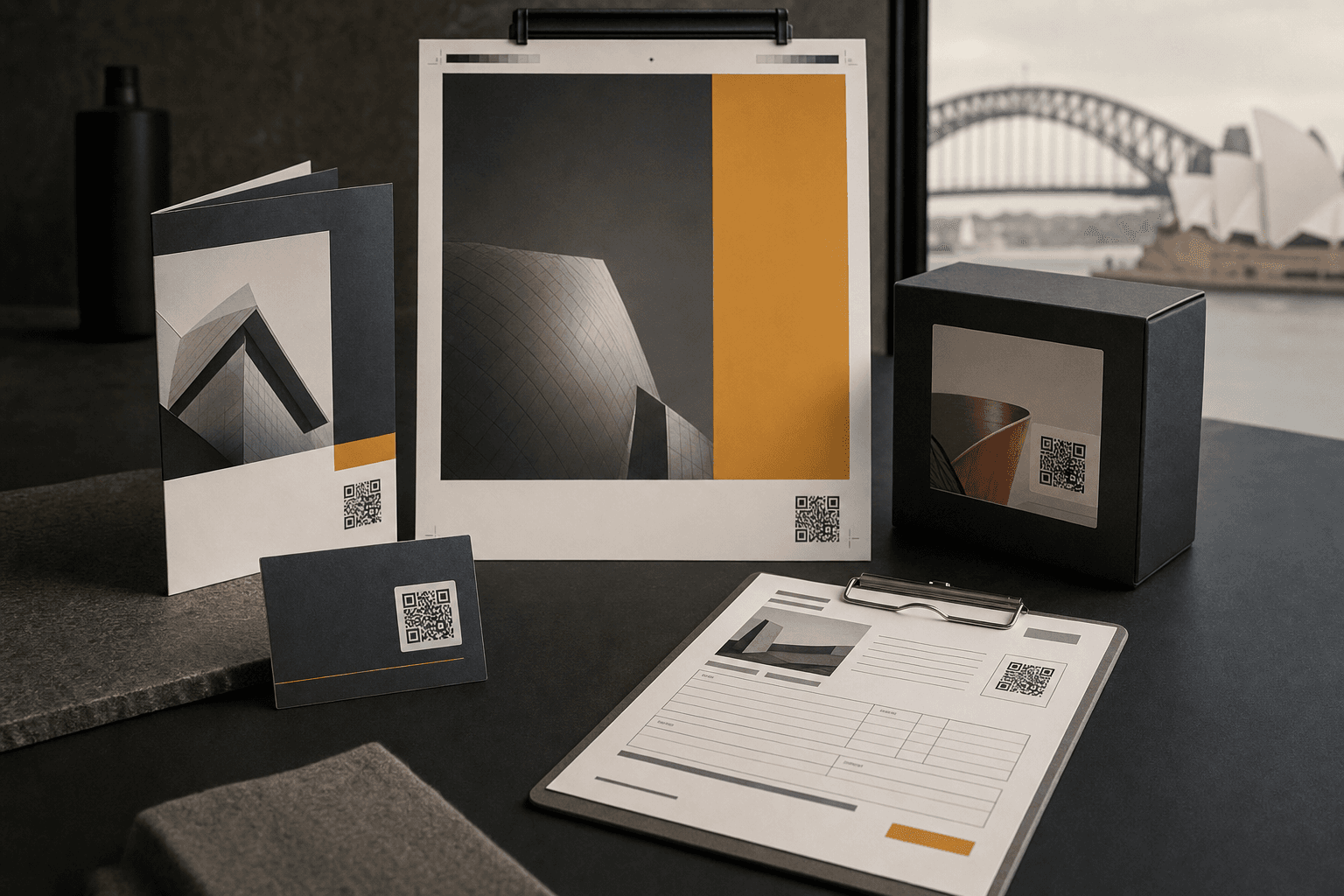
Use cases
QR code use cases for the work people actually print.
Scannable helps designers, agencies, printers, and business owners ship QR codes that still work after the ink dries: your URL, a link you can change, preview cards, and scan numbers.
- Change links after print
- Custom-domain QR URLs
- PNG exports with logos
- Preview cards
- Simple scan reports
- Hosted in Australia
Made for printed things: business cards, campaign print, packaging, client design work, and print-shop add-ons.
Choose by workflow
Start with the person responsible for the printed piece
Scannable use cases are organised around the real handoff: who designs it, who prints it, and which physical format needs a QR code that can still change later.
I design the asset
Use Scannable when a QR code needs to look like it belongs to the client brand, not a generic shortener.
I print the asset
Offer QR setup before pickup, then send scan reports after delivery.
I own the campaign
Choose the print format (card, flyer, poster, label, or packaging) and keep the link editable.
Published pages
Every live use-case page
Each page covers a real print job, the links people usually need, and what to hand to the client.
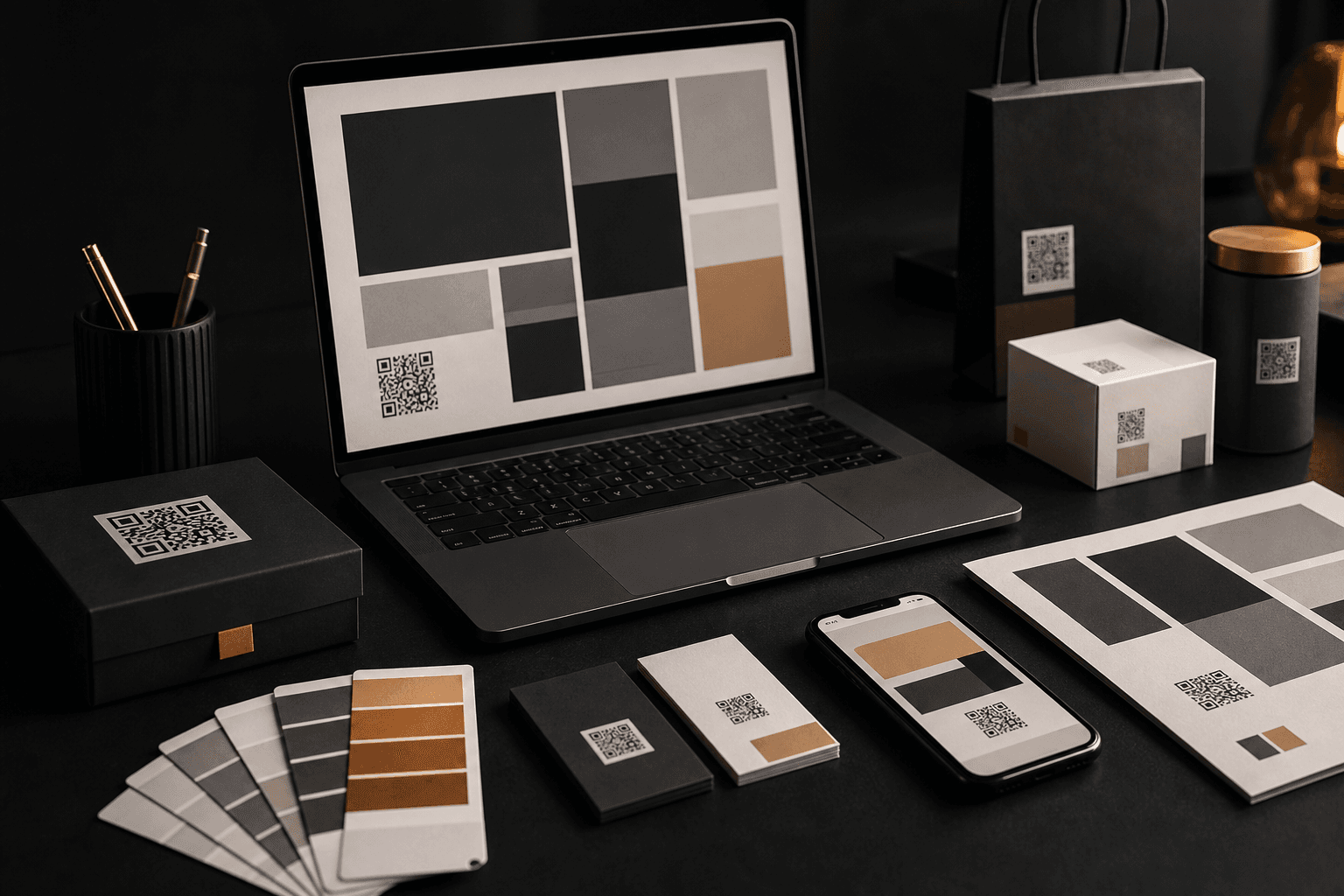
Studios and agencies
Designers and agencies
Add QR codes to identity systems, pitch decks, packaging, signage, and client campaign work.
Best for
Client work that may need a new link after handoff.
Why Scannable
Client-domain links, good preview cards, and reports you can send without cleanup.
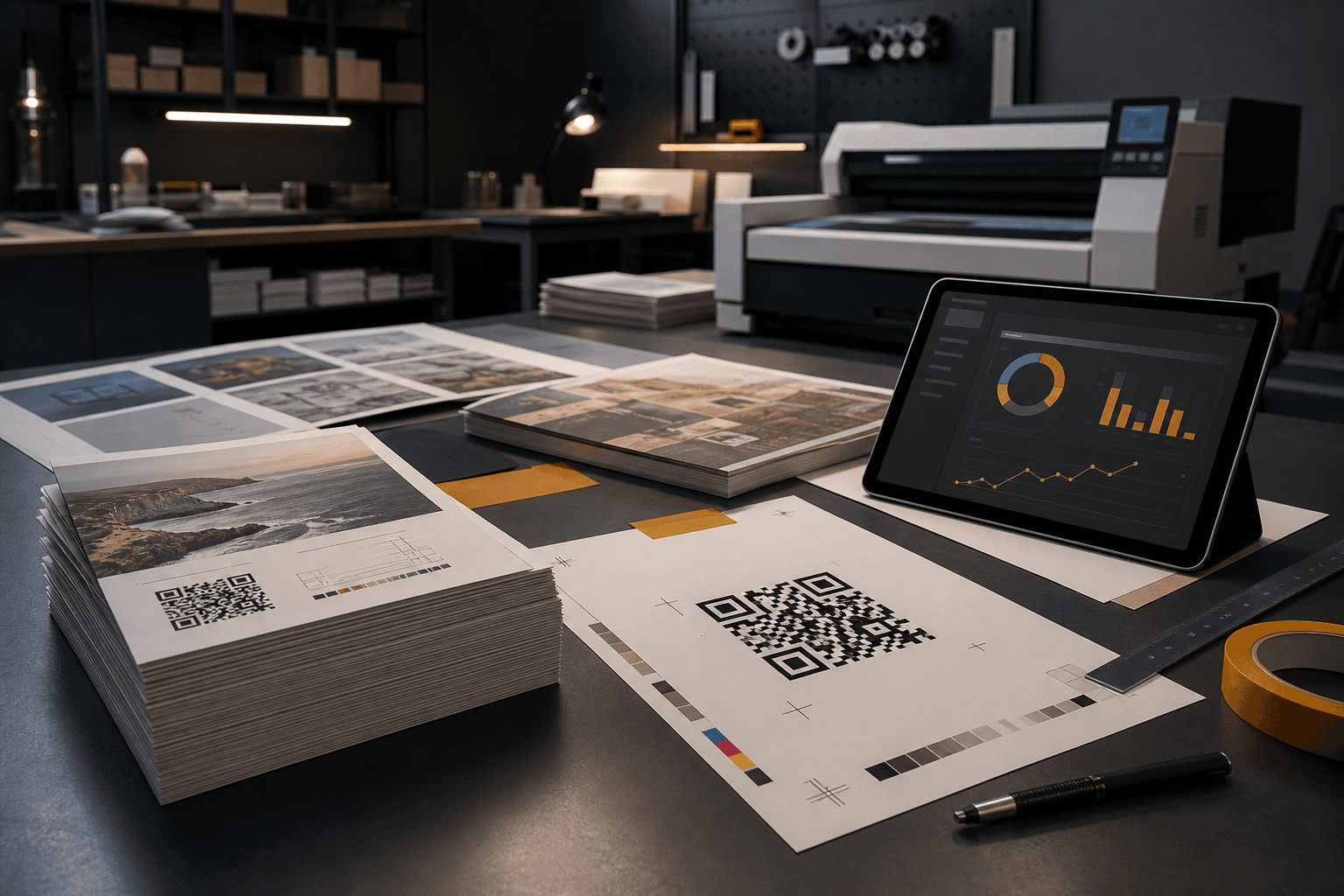
Print providers
Printers and print shops
Turn QR setup, link changes, scan URLs, and reports into a print add-on.
Editable QR codes mean fewer reprints and one more service to sell after pickup.
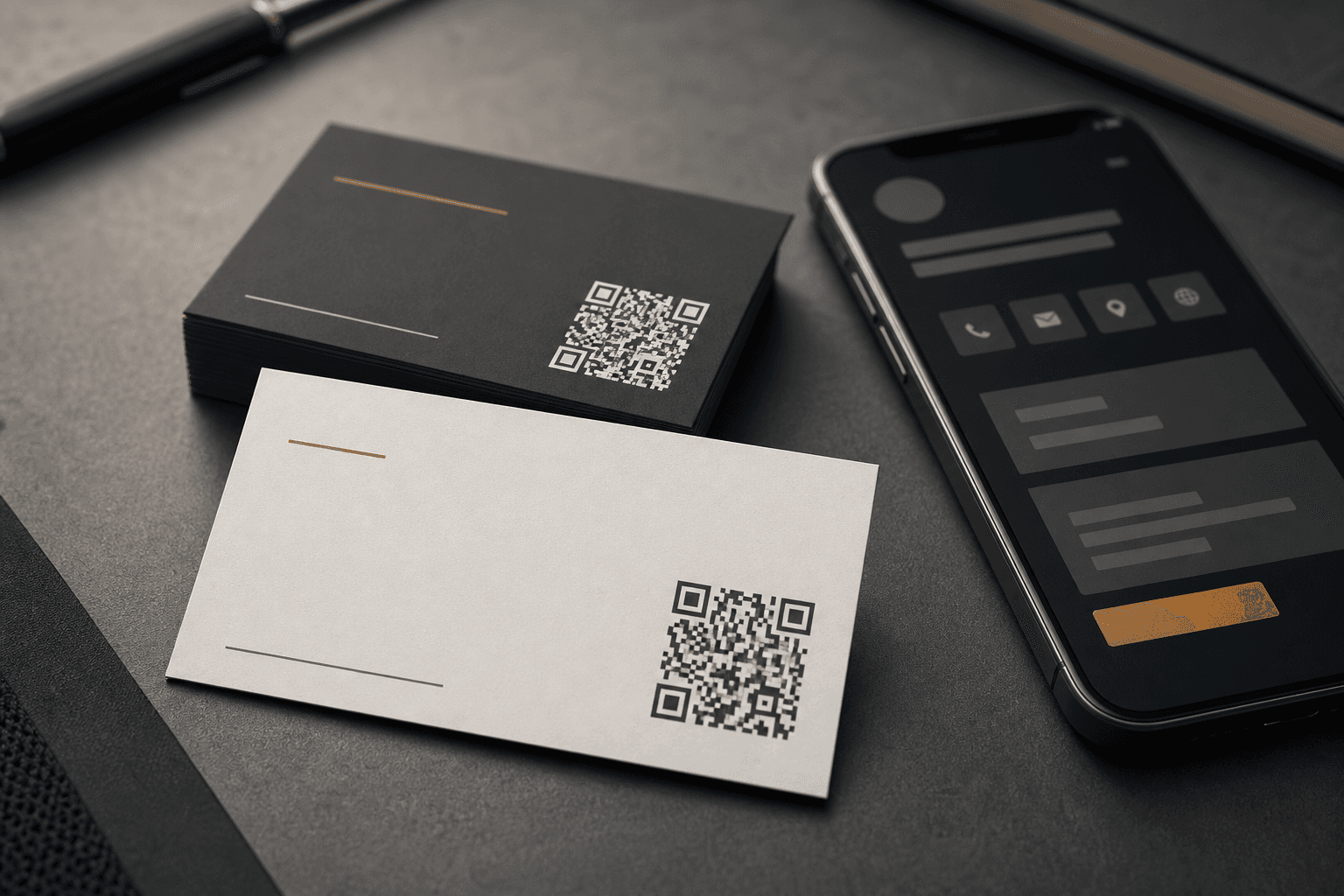
Cards and stationery
Business cards
Create business card QR codes that can point to a portfolio, booking page, contact card, or offer — then change later.
The card keeps working when the destination changes.
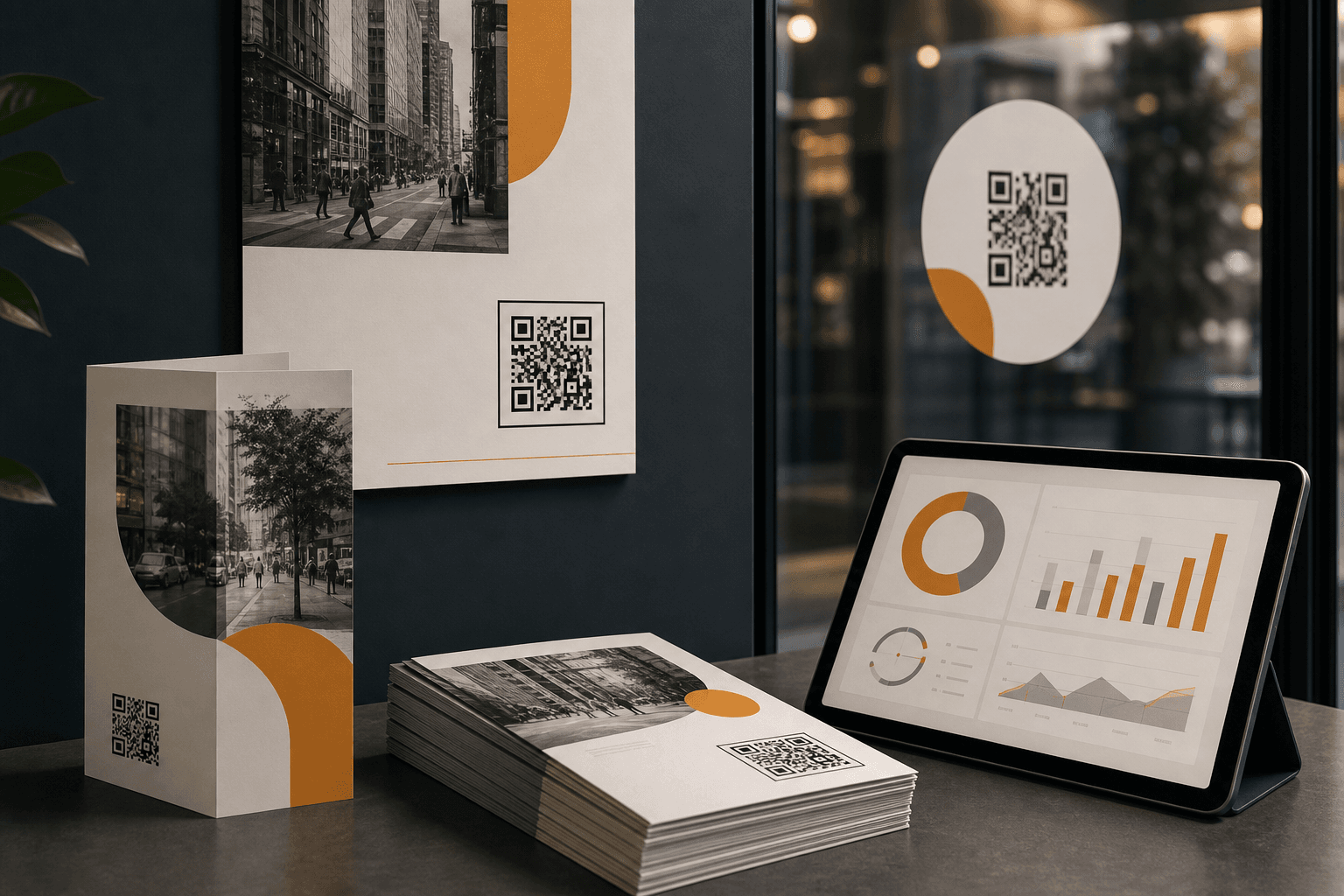
Print campaigns
Flyers, posters, and brochures
Measure which flyer, poster, brochure, sign, or decal is getting scanned — and update destinations mid-campaign.
Campaign naming and scan analytics make print performance visible.
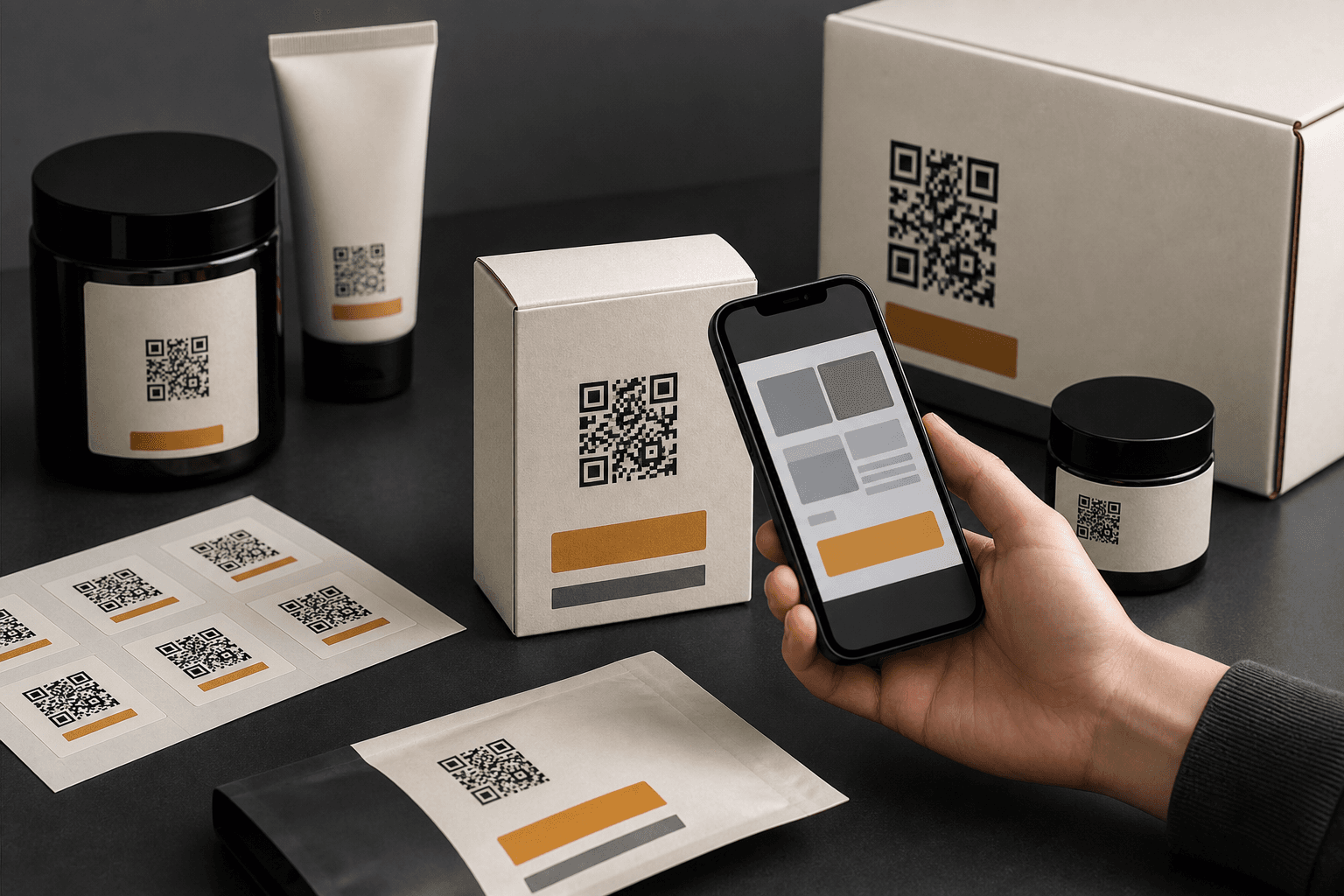
Products and packaging
Stickers, labels, and packaging
Add product info, registration, care instructions, recipes, reviews, or reorder links to physical products.
One printed code can support many post-purchase journeys.
How to choose
Pick the page by what is going to print.
Designers and agencies
Client work that may need a new link after handoff.
Printers and print shops
Customers who ask for a QR code before artwork goes to print.
Business cards
Networking cards, founder cards, sales teams, and local services.
Flyers, posters, and brochures
Events, retail promotions, local campaigns, and out-of-home print.
Stickers, labels, and packaging
Labels, cartons, inserts, food packaging, and long-lived stickers.
Ready to add QR to print?
Start with one QR code on your domain.
Create the code, export the PNG, put it into the artwork, and keep the link editable after the job ships.